
Internationalization
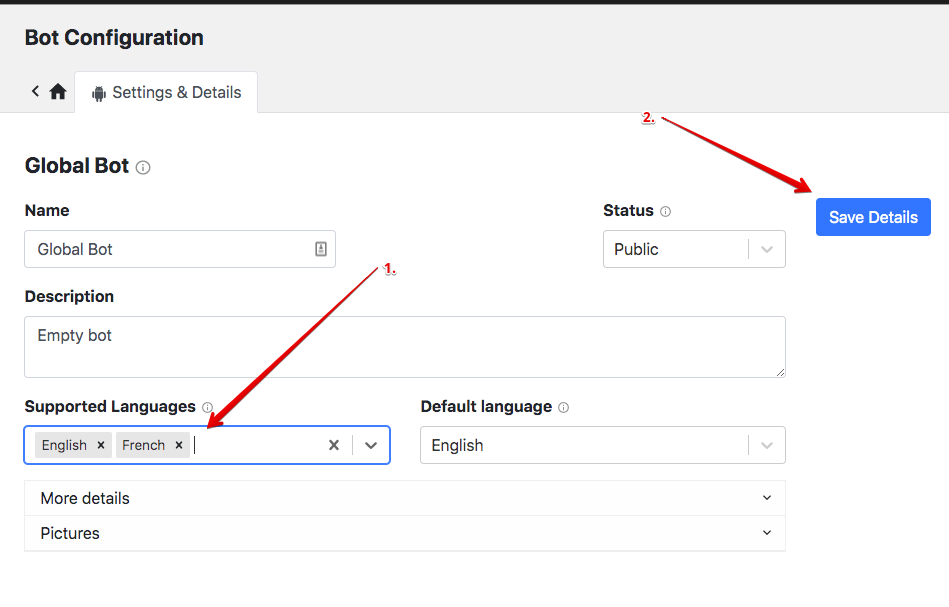
Add a language
Edit your bot configs
In the Admin section > Your bots > Configs
Switch language
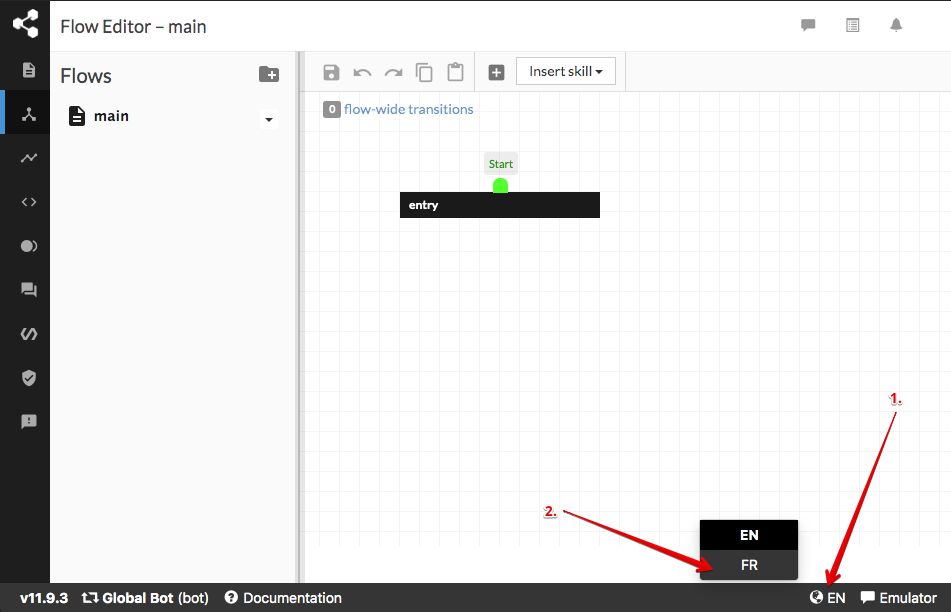
Go back to Studio and switch language
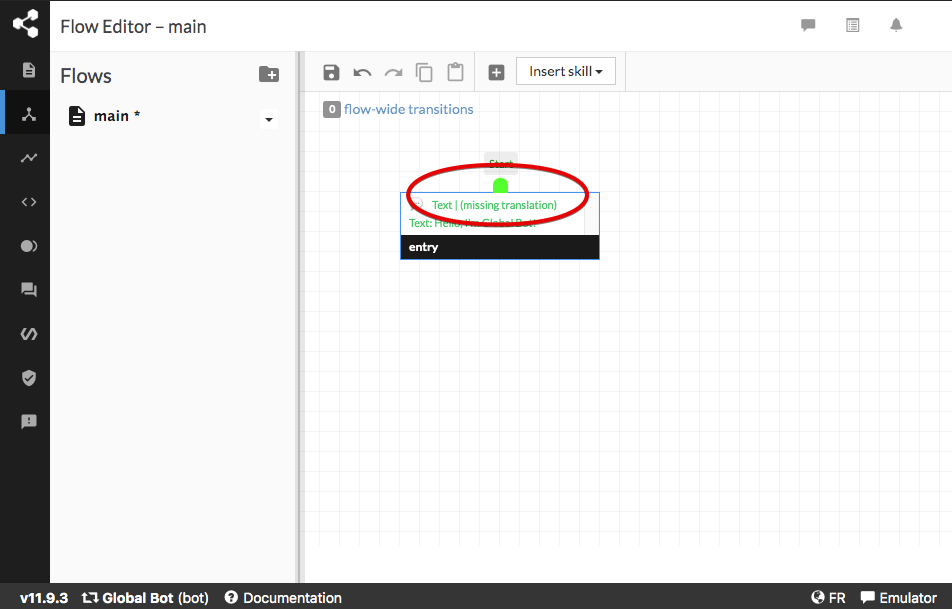
You'll see a "missing translation" notification on your content
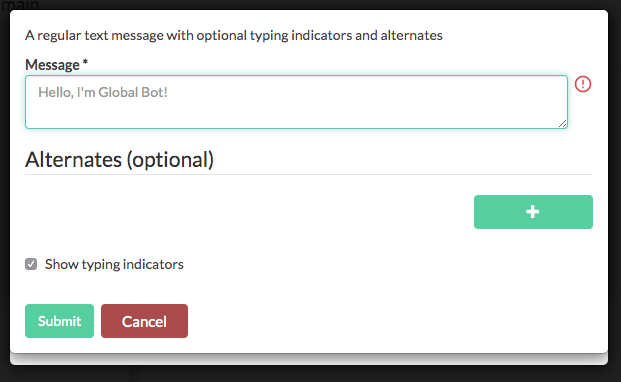
Translate your content
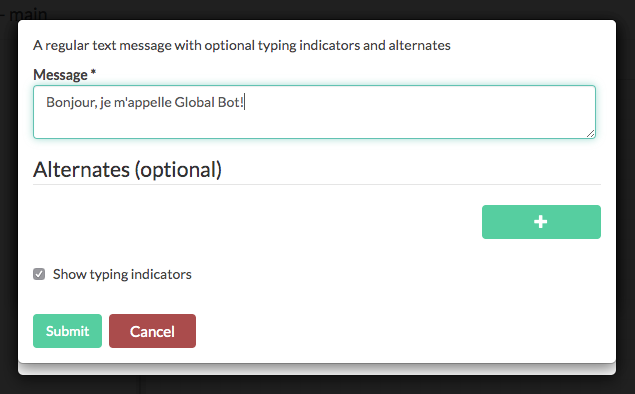
Edit the content and add a translation
Change the language
Botpress use the browser language to detect the user language. This is stored in the language field of the user attributes. It is possible to change the language of a user by modifying this field.
See updateAttributes
Example usage:
await bp.users.updateAttributes('web', 'someId', { language: 'fr' })